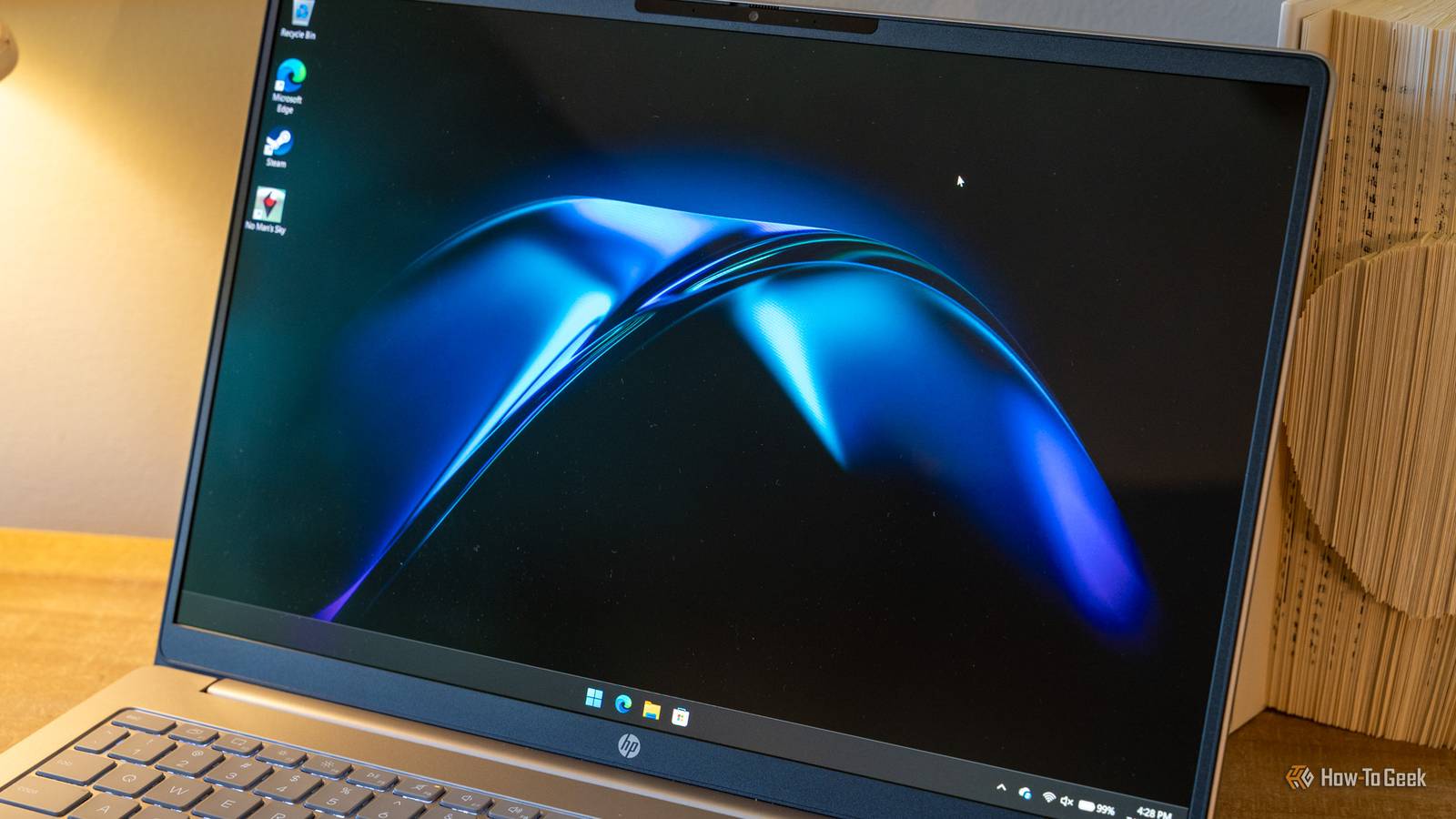
Windows 11 came with a number of refreshed default apps and a sleek new user interface, but it still leaves a lot to be desired.The basic media app often struggles with unusual formats or HDR content, the UI changes were not universally popular, it still lacks the ability to interact with some kinds of files effectively, and managing your installed apps is a messy nightmare.Luckily, there are countless free and open-source applications that are available to pick up the slack.
VLC still handles everything Windows won't I can't believe I still run into issues with Windows Media Player Close I can't count how many times I've attempted to open a media file from the internet only for the default apps included with Windows 11 to fail miserably.VLC is the easiest solution to that problem; it allows you to play back almost any file you'll encounter without downloading anything extra, whether you're playing an MKV with a ton of subtitles and language options or a network stream.To avoid future problems with Media Player, be sure to set VLC as the default player for all video files during installation.
mpv has one edge over VLC VLC is a safe default, but mpv has a few benefits Close VLC is the best one-size-fits-all media player, but mpv has a few advantages.I've found it provides a better out-of-the-box experience if you're playing back ultra-high refresh rate files, UHD or higher resolutions, or any video file with HDR.The "snag" is that the ultra minimalist app can't be configured without opening a text file.
The user interface itself isn't much more than the basic media control buttons and that is it.It supports a mix of hotkeys to accomplish the same things UI elements normally do.If VLC is not working the way you want for an HDR video, try mpv instead.
Just be ready to edit a text file if you need to change the settings.Related I finally tried HDR, and I'm not sure it lives up to the hype HDR was supposed to change everything, but the reality is messier than the hype, and I understand why so many people are disappointed.Posts 4 By Jorge A.
Aguilar Grab a community config There are countless community configuration files (mpv.conf) that you can use as a baseline rather than trying to configure the program from the ground up by yourself.There are even configuration files that are purpose-built for specific types of media if you really want to try and optimize playback.Windhawk fixes the Windows user interface The Start Menu still bothers me Close If you dislike the user interface changes made to Windows 11, Windhawk is one of the best options.
It works by injecting community-made mods into the existing shell.In practical terms, you can download a Start Menu mod, hit "apply," and you have a different Start Menu.Importantly, it doesn't anything, so reverting to the default if a Windows Update breaks something is as simple as disabling Windhawk.
It has mods that allow you to change your taskbar, icons, rework the explorer ribbon, remove the recommendation area from the Start Menu, add a scroll wheel volume control to the task bar, and more.That modularity is the most appealing part for me.I can apply 3 or 4 small fixes, or I can completely rework the design of Windows.
7-Zip is a great replacement Windows can open archive files, but not much else Windows has had support for archive files, like ZIP files, but the user experience leaves a lot to be desired.On the other hand, 7-Zip handles 7z, ZIP, RAR, TAR, and ISO and a more useful user interface.It also supports full AES-256 encryption, which can be handy if you ever need to store something securely.
The built-in tools really aren't competitive with 7-Zip at all.7-Zip's only "downside"—which is pretty minor—is the very austere user interface.There is a fork of the project called NanaZIP that adds a new user interface if the original one isn't to your liking.
Related I Found a 7-Zip Alternative.I'm Not Going Back Choose the better zipper.Posts 41 By Zunaid Ali UniGetUI gives Windows' most overlooked tool a user interface Windows has a package manager Windows actually has a package manager called winget running under the hood, but most people ignore it because there is no GUI.
UniGetUI provides that interface, and can act as front-end for winget, Scoop, and Chocolatey.It allows you to install, update, and software from a single list rather than hunting around in 15 different apps for 20 different updaters.In fact, you can update almost every app on your PC simultaneously with only a few clicks.
It requires no account, offers a wider selection of applications than the Microsoft Store, and has no ads.Open-source apps don't fix Windows 11, but they make it tolerable None of these tools fundamentally change Windows 11, but they fix a ton of pain points that have existed in Windows 11—and Windows more broadly—for a long time.Between them, you get two better media players, greater customization of the interface, an easier way to manage your apps, and support for every major archive file.
And they're all completely free.
Read More