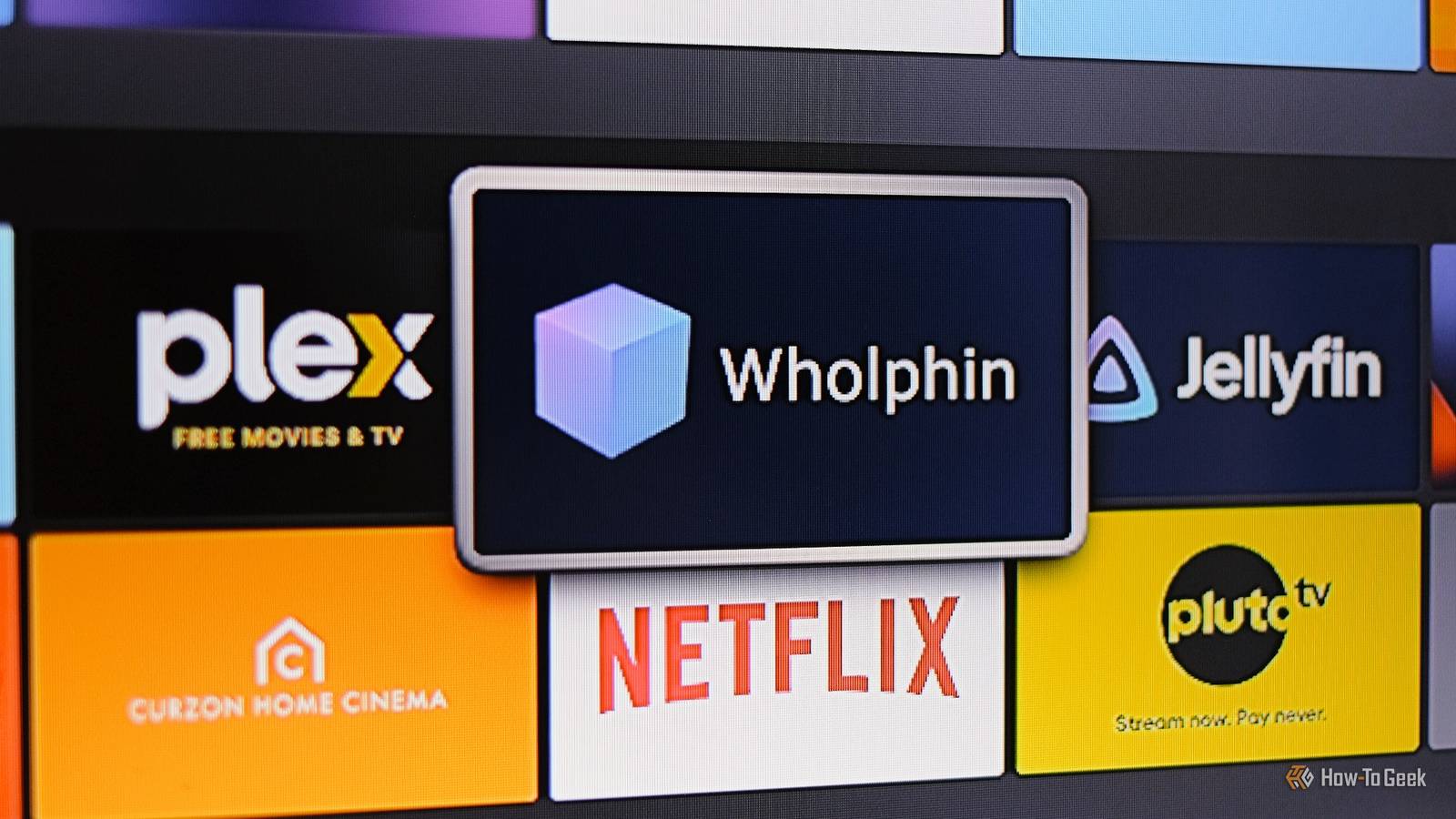
I've been using Plex for years but am not overly happy with the direction it's going.As much as I like Jellyfin as an alternative, I'm not ready to adopt it permanently.Or at least, I wasn't.
I've recently started using an app called Wholphin that combines the best of Jellyfin with the polish of Plex, and it might be the app that finally makes me switch.What is Wholphin? And why would you need it? I still like Plex, but its steady move towards becoming an all-encompassing streaming app, along with the price rises for essential features, has had me eyeing the competition for a while now.The simplicity and functionality of Jellyfin are a throwback to what Plex used to be, yet even though I keep it installed, I almost always default to using Plex for one reason.
While Jellyfin looks okay on my laptop, especially with some plugins and themes installed, it's pretty rough on a TV.The stripped-back design does the job, but it lacks any of the polish you get with Plex, and it just isn't very enjoyable to use.Enter Wholphin.
Wholphin is a free and open-source third-party client for Jellyfin that tidies up a lot of its rougher edges and also adds features that enhance its usability.It's primarily designed for Android TV and is also available on the Amazon Appstore, so I've been using it on my old Fire Stick.Note that it won't currently run on the newer Fire Sticks powered by VegaOS and might never do so. If you don't have a device that's compatible with Wholphin, take a look at Moonfin instead.
It's also highly recommended.Wholphin perfectly bridges the gap for those who like the professional sheen of Plex but don't want its bloat (or pricing model).You can use Quick Connect to access your Jellyfin server in a matter of seconds, after which it needs very little configuration and delivers big improvements. Fire TV Stick 4K Operating System FireOS Resolution 4K RAM/storage 8GB Connectivity Wi-Fi 6, Bluetooth 5.2 Dimensions 108 mm x 30 mm x 14 mm Integrations Amazon Alexa A step up from the Fire Stick TV Lite is the Fire Stick TV 4K.
It offers a Dolby Vision upgrade and TV controls on the Alexa remote.$50 at Amazon $50 at Best Buy Expand Collapse How to set up and use Wholphin Discover its stand-out features You can install Wholphin via the Play Store, the Amazon Appstore, or its GitHub page.When you run it, it will automatically detect the Jellyfin server on your network, and you can use the Quick Connect option to log in without needing a username and password.
From there, it will sync with your library, giving you access to all your content.The home screen layout is much fresher than the rather austere Jellyfin design and much more similar to Plex or even some streaming apps.There are sections for things like Recently Added and Continue Watching, plus a sidebar where you can jump to search, your favorites, or specific folders in your library.
It auto-generates recommendations, too, and the artwork presentation is much nicer.Navigation is quicker.Scrolling feels faster, the menus are cleaner, and it's easier to find the content you want.
The search option is always within easy reach, and when you click into the Library, there's a Plex-style index down the right that lets you jump to a specific part of your library much more quickly.It's packed with customization options, as well. There are lots of other nice little touches that you'll discover as you use Wholphin.There are extra media playback options, automatic refresh rate and resolution switching, and it supports many server plugins, including those for subtitles and skipping intros.
But you can tinker as much or as little as you need.The default setup has a real pick-up-and-use feel that's much more in line with Plex than other Jellyfin clients.Wholphin is a no-brainer for Plex switchers It really improves the Jellyfin experience The big downside to Wholphin is its limited compatibility.
With its Android TV focus, you can't install it on all your devices to get a uniform experience across them in the way you can with Plex (or even Jellyfin itself).It's also quite a young app.At the time of writing, it hasn't yet hit version 1, so you might encounter a few issues with it.
Personally, I didn't.It feels finished and is definitely solid enough to use every day.Most importantly, it looks like a premium app in the way that Jellyfin doesn't.
Its modern UI makes better use of space on TVs.I found it fast and stable; the extra playback engines it offers for troublesome files made for fewer buffering issues, and there was less lag in general use.Whereas the official Jellyfin client looks every bit the open-source alternative to a commercial app — for better and for worse — Wholphin looks like a genuine replacement for it.
Using it is a no-brainer.I've already removed the official app from my Fire Stick, and it will be my go-to app for the foreseeable future.It might not even be long before I'm uninstalling Plex, too.
Read More